Travel has never been easier, and MakeMyTrip gift cards make it even more convenient. Whether you want to book flights, hotels, bus tickets, or holiday packages, a gift card saves time and simplifies payments. Additionally, it makes a perfect gift for friends and family who love to explore.
Moreover, if this is your first time redeeming a MakeMyTrip gift card, it may seem confusing at first. However, with the right guidance, you can redeem your balance quickly and safely. Consequently, following this guide ensures a smooth booking experience.
Furthermore, if you haven’t purchased a gift card yet, you can get verified MakeMyTrip gift cards from Stanshop. As a result, you avoid expired or fake codes and start planning your trips hassle-free.
What You Can Use MakeMyTrip Gift Cards For
Once redeemed, your gift card balance can be used for:
- Flight bookings
- Hotel reservations
- Bus and train tickets
- Holiday packages and activities
However, some third-party services may not allow partial payments. Therefore, always check before confirming your booking.
Tip: For other verified gift card options, explore Stanshop.
Before You Redeem: Quick Checklist
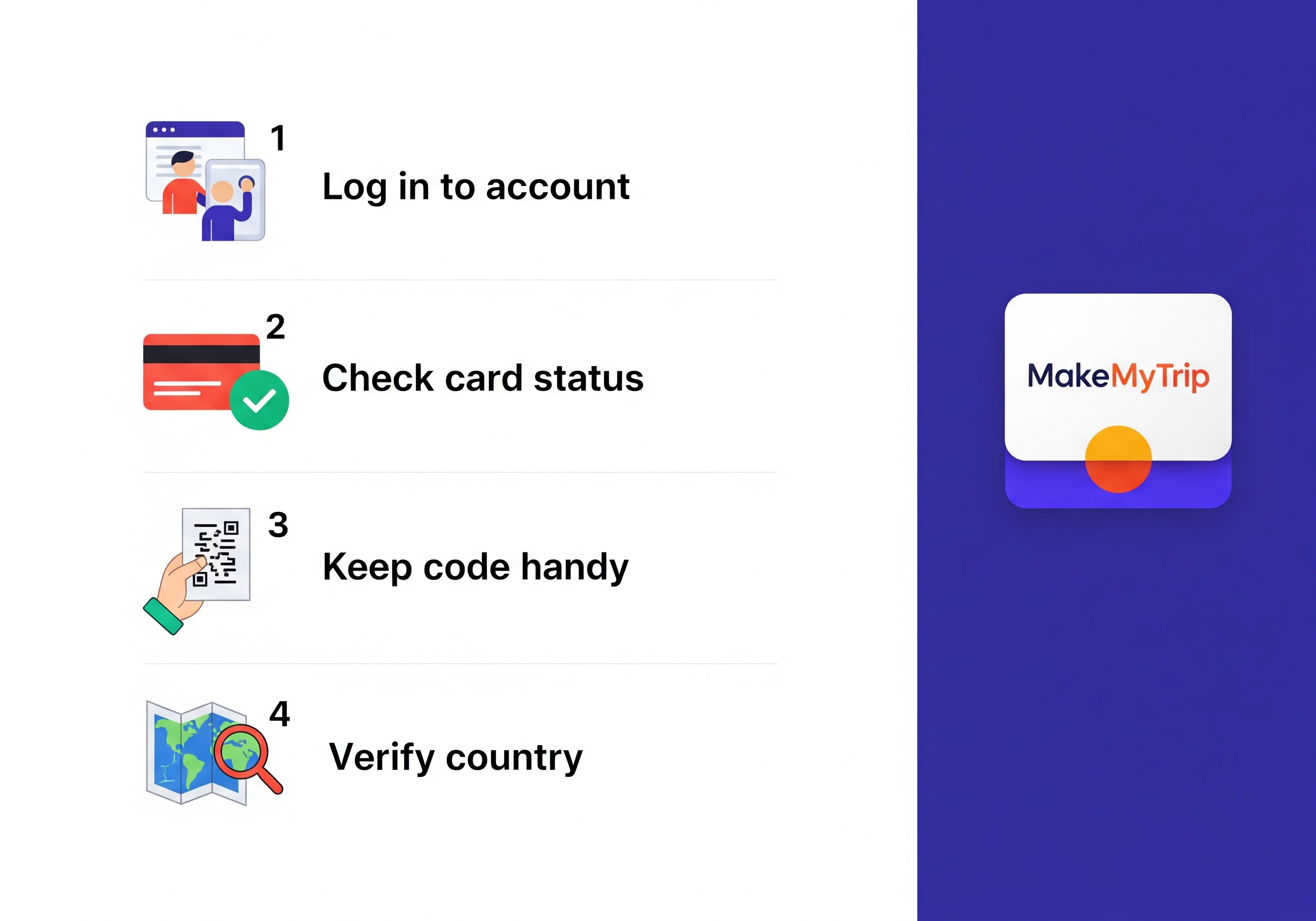
1. Log in to the correct MakeMyTrip account
To begin with, make sure you use the email or mobile number linked to your account. Otherwise, the balance may not be added correctly.
2. Check your gift card status
Next, verify that your card is active and hasn’t expired. Otherwise, redemption may fail.
3. Keep your gift card code ready
After that, keep your code handy. For example, for digital cards, copy them carefully. Meanwhile, physical cards require scratching off the panel to reveal the code.
4. Verify country restrictions
Specifically, MakeMyTrip gift cards usually work only in India. Therefore, attempting redemption from another country may fail.
Pro tip: If you don’t have a gift card, purchase verified MakeMyTrip gift cards at Stanshop to avoid issues.
How to Redeem MakeMyTrip Gift Cards on the Website
1. Visit MakeMyTrip and log in
Initially, go to MakeMyTrip official website and log in.
2. Open Gift Cards & Vouchers
Then, navigate to Profile → Gift Cards & Vouchers.
3. Select Redeem Gift Card / Voucher
Next, click on Redeem Gift Card / Voucher.
4. Enter your gift card code
Following this, type your code carefully. Double-check for typos.
5. Redeem your balance
Finally, click Redeem. Your balance will appear immediately and can be used for bookings.
Tip: If your code doesn’t work, check out verified gift card options at Stanshop.
How to Redeem MakeMyTrip Gift Cards on the App (Android / iOS)
1. Open the app and log in
To begin with, launch the MakeMyTrip app and log in.
2. Go to Wallet / Gift Cards
Next, tap Profile → Wallet / Gift Cards.
3. Redeem your gift card
After that, tap Redeem Gift Card, then carefully enter your gift card code.
4. Apply the gift card
Finally, tap Apply / Redeem. Your balance will now appear and is ready to use.
Additionally, if you want more gift cards for friends or family, you can check Stanshop for MakeMyTrip and other popular gift cards.
How to Use Your Gift Card Balance for Bookings
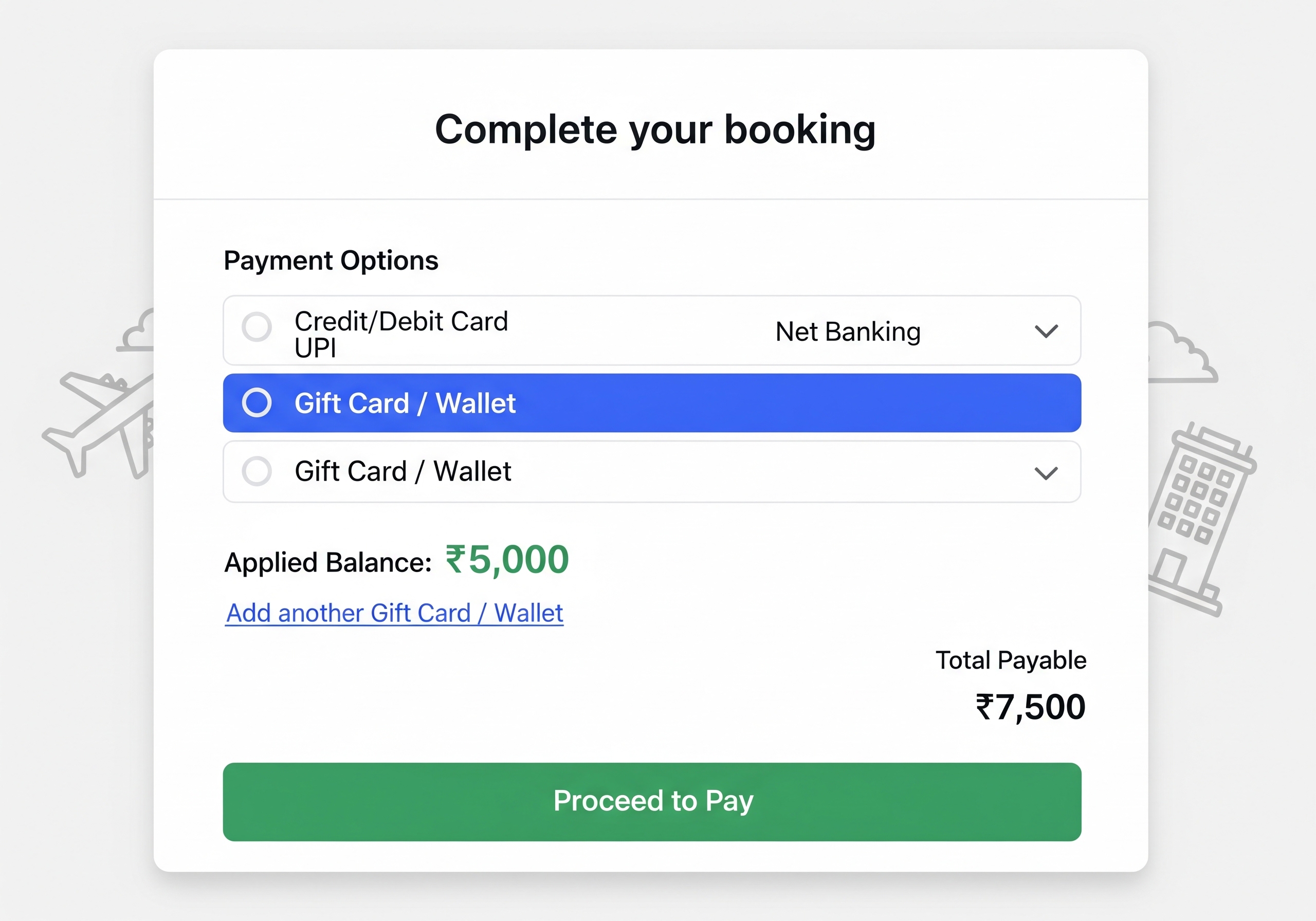
1. Go to the payment page
Initially, while booking flights, hotels, or bus tickets, go to the payment page.
2. Select Gift Card / Wallet
Then, choose Gift Card / Wallet as your payment method.
3. Apply your balance
Then, the redeemed amount will be applied automatically.
4. Pay any remaining balance
After that, pay the remaining amount using another payment method if required.
5. Split payments (optional)
Additionally, you can split payments between your gift card and debit/credit card for convenience.
Common Errors and How to Fix Them
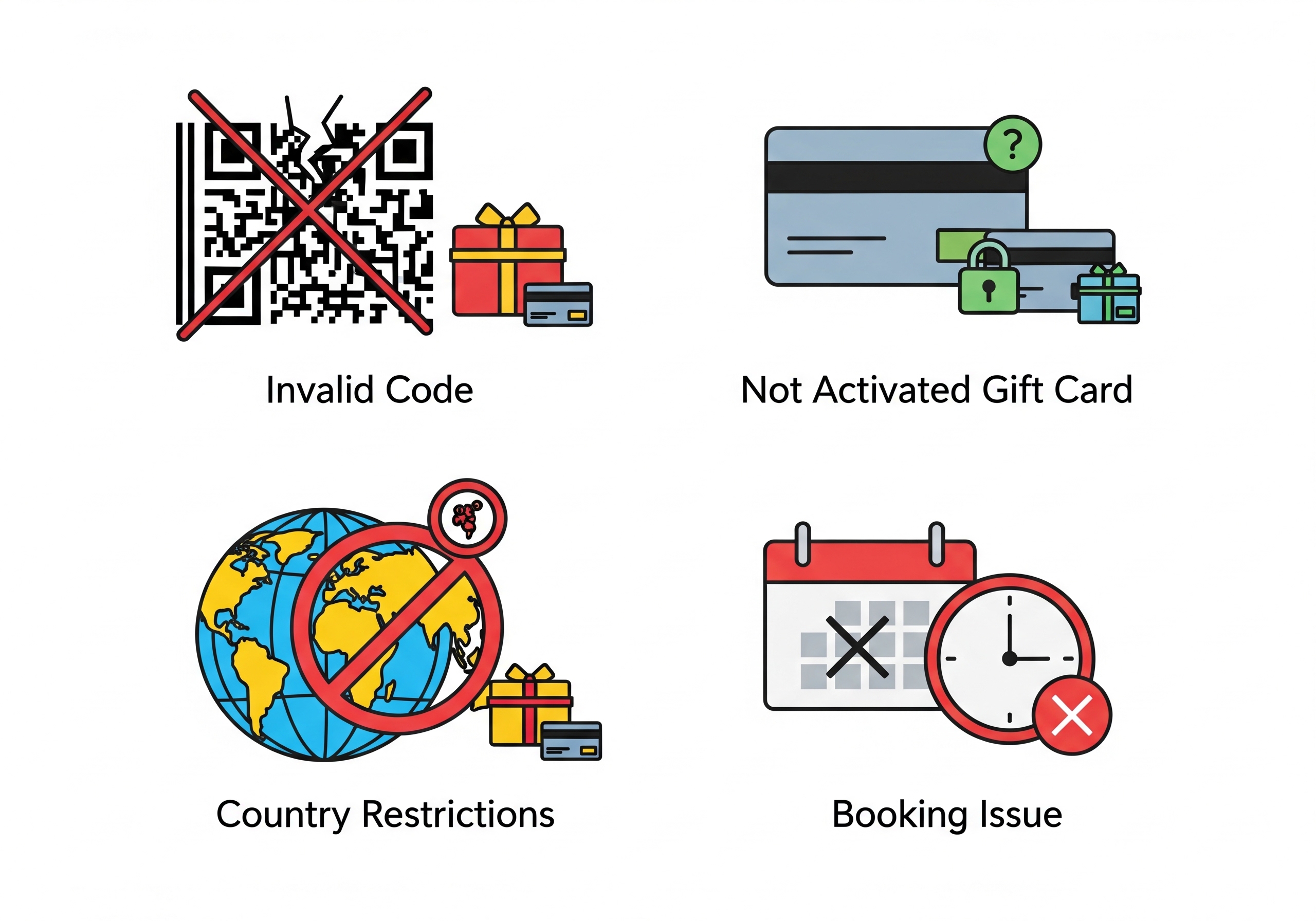
1. Invalid code / Already redeemed
- First, check the code for typos.
- Then, make sure it hasn’t been used before.
- If the issue persists, contact MakeMyTrip support.
2. Gift card not activated
- Physical cards must be activated at the time of purchase.
- Alternatively, online cards may require email confirmation.
3. Country restrictions
- Ensure your account is registered in India, as most gift cards are India-specific.
4. Booking issues
- First, refresh the page or log out and log in again.
- Then, contact MakeMyTrip support for persistent errors.
Pro tip: Always purchase verified MakeMyTrip gift cards from Stanshop to avoid fake or inactive codes.
Safety Tips
- Buy gift cards only from official or verified sellers.
- Never share your gift card code with anyone requesting money or verification.
- Additionally, keep proof of purchase (receipt or email) in case of any issues.
Final Takeaway
Redeeming a MakeMyTrip gift card is simple if you follow the steps carefully. First, log in. Then, enter the code. Finally, your balance is ready to use for flights, hotels, buses, and holiday packages.
Tip: Double-check your account and gift card details before redeeming. If you need a gift card, buy verified MakeMyTrip gift cards from Stanshop.
Got a MakeMyTrip gift card? Redeem it now and plan your next adventure hassle-free! Also, buy additional gift cards from Stanshop.
FAQs
Can I redeem multiple gift cards at once?
- Yes, multiple gift cards can be combined for a single booking.
Does the balance expire?
- Most MakeMyTrip gift cards are valid for 12 months from the issue date. Check your card for exact validity.
Can I use a gift card for international bookings?
- Usually, gift cards are valid only for domestic bookings. Always check the terms and conditions.
Can I check my gift card balance before booking?
- Yes, log in to your account and check Wallet / Gift Cards.
What if my code doesn’t work?
- Check for typos, ensure the card is active, and confirm your account country.
- Alternatively, buy verified gift cards at Stanshop.
Can I use a gift card with other payment methods?
- Yes, you can split the payment between your gift card and debit/credit card.
Are physical and digital gift cards treated the same?
- Yes, but physical cards must be activated at the time of purchase, while digital cards are ready to redeem immediately.