
Amazon gift cards provide a simple and convenient way to shop online in India. Whether you received one as a gift or purchased it yourself, redeeming it correctly ensures that you can use your balance smoothly without any delays or errors. Moreover, Amazon gift cards work for shopping, subscriptions, digital content, and even bill payments, making them highly versatile.
However, first-time users often get confused while redeeming. As a result, this can cause delays or mistakes. Therefore, in this guide, we will explain how to redeem Amazon gift cards step by step, check your balance, fix common errors, and maximize your gift card benefits.
What You Can Use Amazon Gift Cards For
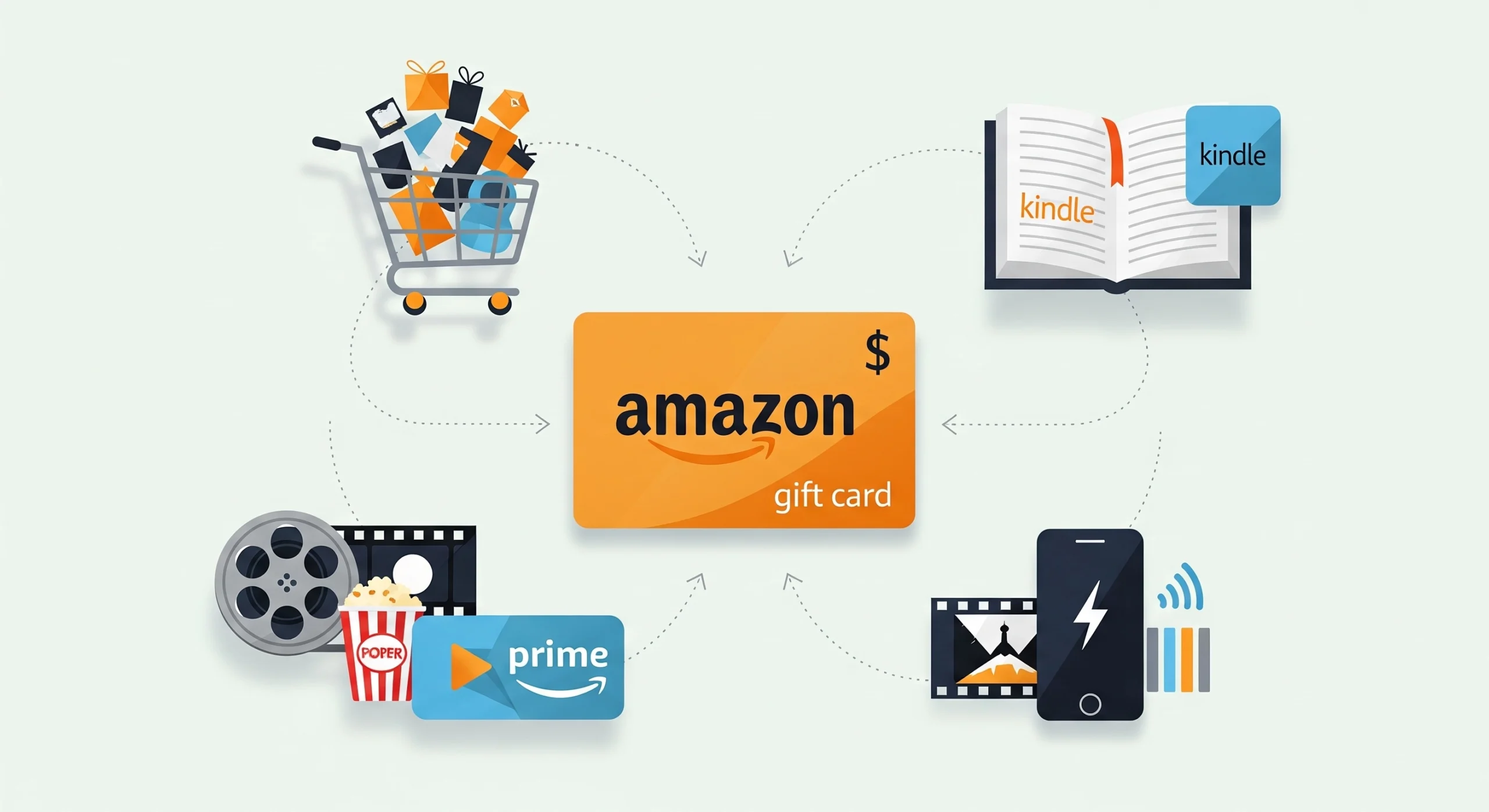
Once you redeem the gift card, Amazon adds the balance directly to your Amazon Pay account. Consequently, you can use it for:
- Shopping on Amazon India
- Paying for an Amazon Prime membership
- Purchasing movies, Kindle eBooks, and other digital content
- Mobile recharges and bill payments (where supported)
Note: The gift card balance cannot be withdrawn or transferred to a bank account. Therefore, always use it within Amazon-supported services.
In addition, it’s helpful to plan how you will spend your balance to avoid leftover small amounts.
Before You Redeem: Quick Checklist
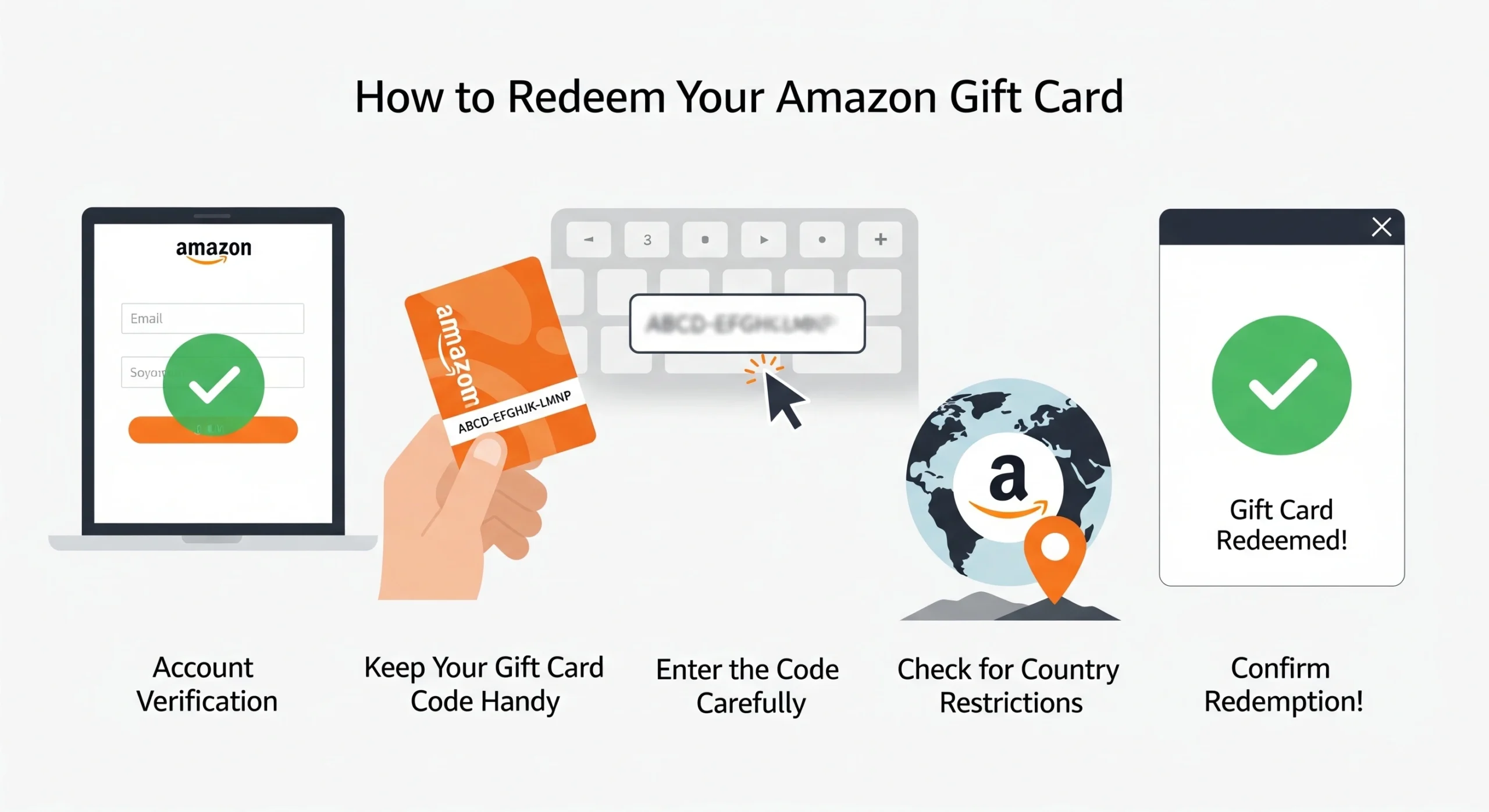
1. Check Your Amazon Account
First, ensure you are logged into the correct Amazon account using your email or mobile number. Otherwise, the balance may be added to the wrong account.
2. Verify the Gift Card Status
Next, confirm that your gift card is active and not expired.
3. Keep the Gift Card Code Handy
Then, have your gift card code ready. For digital cards, copy the code carefully. For physical cards, scratch the panel gently to reveal the code.
4. Confirm Country Restrictions
Finally, make sure you redeem the card on Amazon. in. Attempting redemption from another country may fail, especially if you are using a VPN.
Meanwhile, double-checking these steps prevents common redemption issues.
How to Redeem Amazon Gift Cards on the Website
Step-by-Step Instructions
- First, go to the Amazon gift card redemption page: https://www.amazon.in/gc/redeem
- Then, log in to your Amazon account.
- Next, enter your gift card code carefully.
- After that, click Redeem.
- Finally, Amazon adds the balance to your Amazon Pay account, making it ready for use.
How to Redeem Amazon Gift Cards on the Amazon App (Android / iOS)
Step-by-Step Instructions
- First, open the Amazon app and log in.
- Then, go to Your Account → Gift Cards.
- Next, tap Redeem Gift Card.
- After that, carefully enter your gift card code.
- Finally, tap Apply to Your Balance. Your balance will now appear and is ready to use.
Additionally, you can purchase more Amazon gift cards from Stanshop for gifting friends or family.
Meanwhile, keeping a few backup gift cards can help during special sales or promotions.
How to Check and Use Your Amazon Gift Card Balance
After redeeming your gift card, your balance will appear:
- Under Amazon Pay Balance in your account
- Automatically, during checkout, as a payment method
However, if the balance doesn’t appear immediately:
- Close and reopen the Amazon app or website.
- Make sure you redeemed the gift card on the correct account.
Usually, this resolves the issue quickly, and you can start shopping immediately.
How to Use an Amazon Gift Card Balance for Shopping
When placing an order on Amazon:
- Add products to your cart.
- Proceed to checkout.
- Amazon automatically applies your gift card balance.
- Pay any remaining amount using another payment method.
In addition, you can split payments between your gift card balance and a debit or credit card for larger orders.
Moreover, planning your purchases allows you to maximize the gift card balance without wasting money.
Common Amazon Gift Card Errors and Fixes
1. Invalid or Incorrect Code
First, check for typing mistakes and avoid confusing characters like O and 0.
2. Already Redeemed
Then, ensure you are logged into the correct account and review your gift card history.
3. Gift Card Not Activated
Next, remember that physical cards must be activated at the time of purchase. Contact the seller with proof if issues persist.
4. Region Restriction
Finally, redeem only on Amazon. in and avoid using VPNs.
Meanwhile, for official guidance, check Amazon’s Gift Card Help page.
Safety Tips to Avoid Gift Card Scams
- Never share your gift card code with anyone.
- Amazon will never ask for gift card payments for verification.
- Avoid paying fees, fines, or other charges with gift cards.
- Always buy verified gift cards from trusted sources like Stanshop.
In addition, keeping your receipt or confirmation email can help if you face any issues later.
Final Takeaway
Redeeming an Amazon gift card in India becomes easy when you follow the correct steps. First, log in to the correct account. Then, carefully enter the code. Finally, start shopping using your Amazon Pay balance.
Tip: For safe and verified Amazon gift cards, check Stanshop and avoid any risk of fake or inactive codes.
FAQs
Can I redeem multiple Amazon gift cards at once?
Yes, you can combine multiple gift cards into one Amazon Pay balance.
Does an Amazon gift card balance expire?
Most Amazon India gift cards remain valid up to 10 years. Always check the card for exact details.
Can I use Amazon gift cards for Amazon Prime?
Yes, you can use your Amazon gift card balance to pay for a Prime membership.
Can I transfer an Amazon gift card balance to my bank?
No, an Amazon gift card balance cannot be transferred or withdrawn.