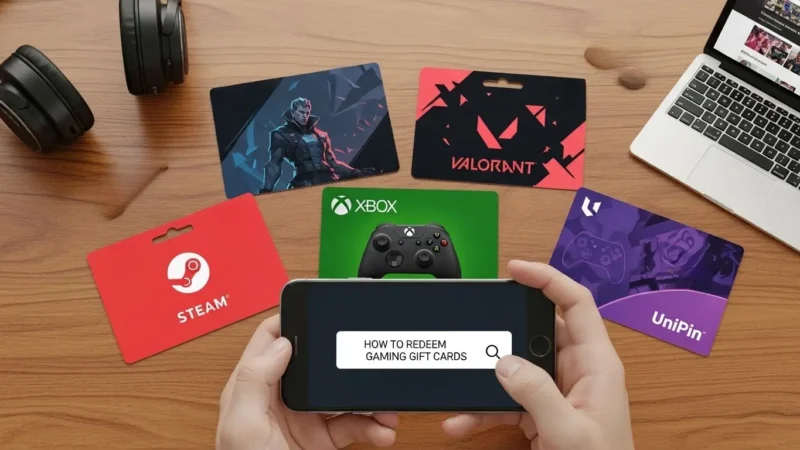
Gaming gift cards are a great way to enjoy your favourite games online. It may be used for PlayStation, Xbox, Steam or mobile games and redeeming the gift card properly ensures your gaming is uninterrupted. Plus, gift cards make great gifts for friends or family. They can be spent for in-game currency, premium subscriptions or new games.
But first-time customers may be confused at the moment of redemption, leading to delays or problems. In this guide, we’ll show you how to redeem gaming gift cards, check balances, correct common issues, and get the most out of your gaming experience. If you don’t have a gift card yet, you can buy verified gaming gift cards safely from Stanshop.
What You Can Use Gaming Gift Cards For
Once redeemed, your gaming gift card balance can be used for:
- Buying in-game currency or coins
- Purchasing premium subscriptions like PlayStation Plus or Xbox Live
- Buying full games or add-ons
- Mobile game top-ups and passes
Note: Always check the terms for each platform, as some cards may only be valid in specific regions. Also, different platforms may have unique restrictions.
Before You Redeem: Quick Checklist
1. Check Your Gaming Account
First, ensure you are logged into the correct account (PlayStation, Xbox, Steam, or mobile platform). Otherwise, your balance may go to the wrong profile.
2. Verify the Gift Card Status
Next, confirm that your gift card is active and not expired. Otherwise, redemption will fail.
3. Keep Your Gift Card Code Handy
For digital cards, copy the code carefully. Meanwhile, for physical cards, scratch the panel gently to reveal the code.
4. Confirm Platform and Region
Gaming gift cards usually work only on specific platforms and regions. Therefore, attempting redemption elsewhere may not work.
How to Redeem Gaming Gift Cards
Step-by-Step on Console or PC
- Open your gaming platform and log in.
- Navigate to the Gift Card or Redeem Code section.
- Enter your gift card code carefully.
- Click Redeem or Apply.
- Your balance will now appear and is ready to use for games and subscriptions.
Tip: If you don’t have a gift card yet, check verified options on Stanshop. Additionally, always redeem gift cards as soon as possible to avoid expiration.
Common Errors and How to Fix Them
- Invalid Code: Double-check for typing mistakes. Also, ensure there are no extra spaces.
- Already Redeemed: Make sure you are using the correct account. Otherwise, the platform may reject the code.
- Region Restrictions: Only redeem in the country/platform specified. If not, the code will fail.
- Gift Card Not Activated: Contact the seller if purchased physically. In addition, keep proof of purchase.
Safety Tips
- Always buy gift cards from trusted sources like Stanshop
- Never share your gift card code with anyone asking for money.
- Avoid unofficial websites or third-party sellers. Otherwise, you risk scams.
- Also, double-check the platform and region before redeeming.
Final Takeaway
Redeeming gaming gift cards in India is simple if you follow the right steps. First, log in to the correct account. Next, enter the code carefully. Finally, start enjoying your games. Additionally, using verified gift cards from Stanshop ensures safety and reliability.
Key Points:
- Prepaid gift cards reduce monthly gaming costs.
- They are flexible and simple to use.
- Following the steps and tips avoids errors and maximizes savings.
FAQs
Q1: Can I redeem multiple gaming gift cards at once?
Yes. Most platforms allow combining multiple cards. Therefore, you can top up your account quickly.
Q2: Can I gift a redeemed code to a friend?
No. Once redeemed, the balance is tied to your account. However, you can send an unused gift card instead.
Q3: Do gaming gift cards expire?
Check each card individually; most have a validity of 1–3 years. Also, some platforms may extend unused balances.
Q4: Are digital gift cards safe?
Yes. They are secure and redeemable instantly. Moreover, purchasing from verified sellers ensures safety.